 QRStream
File transfer for Android
Move files with a screen and a camera.
QRStream turns any file into a stream of QR codes and back again. No network, no cables, no accounts. It works with the open-source qrstream tool, so files move between phones and computers in both directions.
Free. No internet permission, no ads, no tracking.
Everything rebuilt, byte for byte.
Codes can arrive out of order, twice, or not at all. Fountain codes fill the gaps, so the receiver just keeps watching until the file is complete.
Receive
- Point the camera at a QR stream on another screen, or import a video that contains one.
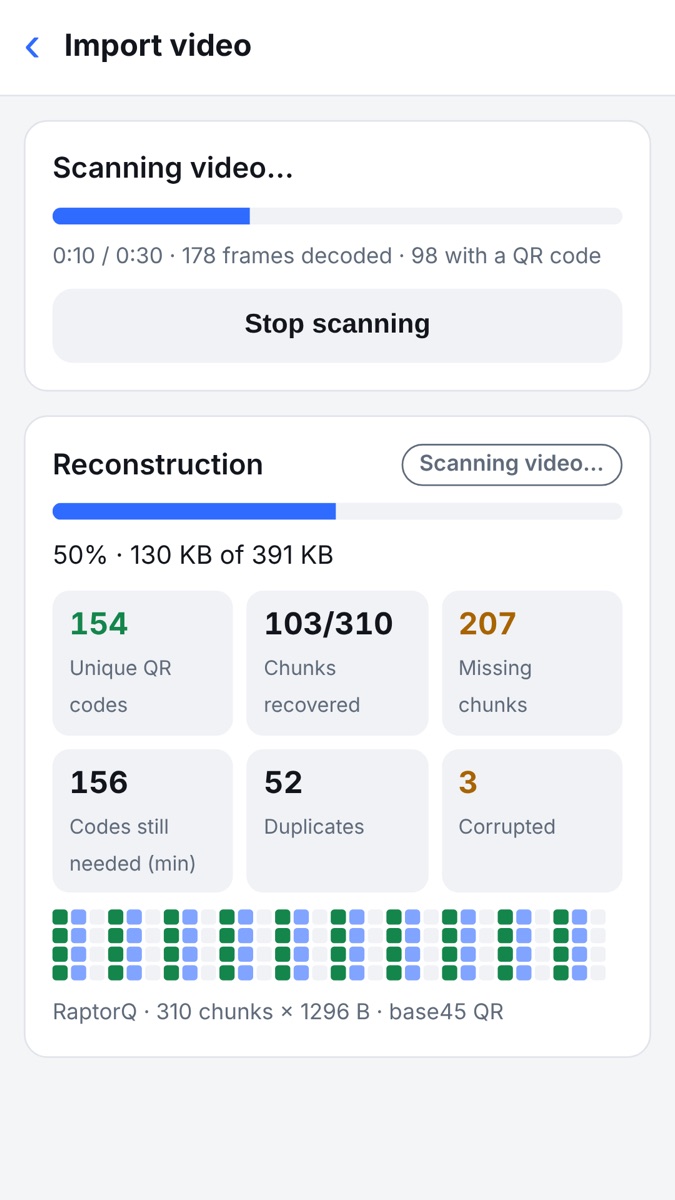
- Live progress shows exactly what is still needed.
- If the camera misses codes, the app catches up from its own recording.
Send
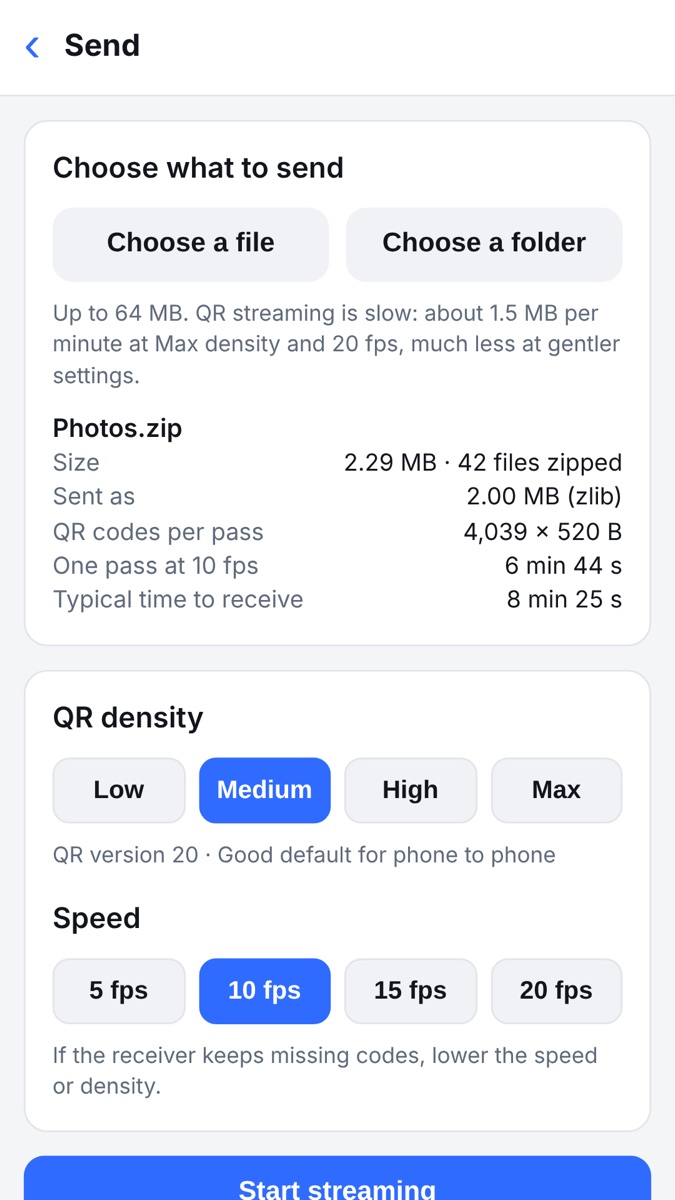
- Stream any file, or a whole folder (zipped automatically), as QR codes on your screen.
- Choose density and speed to suit the receiving camera.
- Fresh recovery codes keep coming until the receiver is done.
Verify
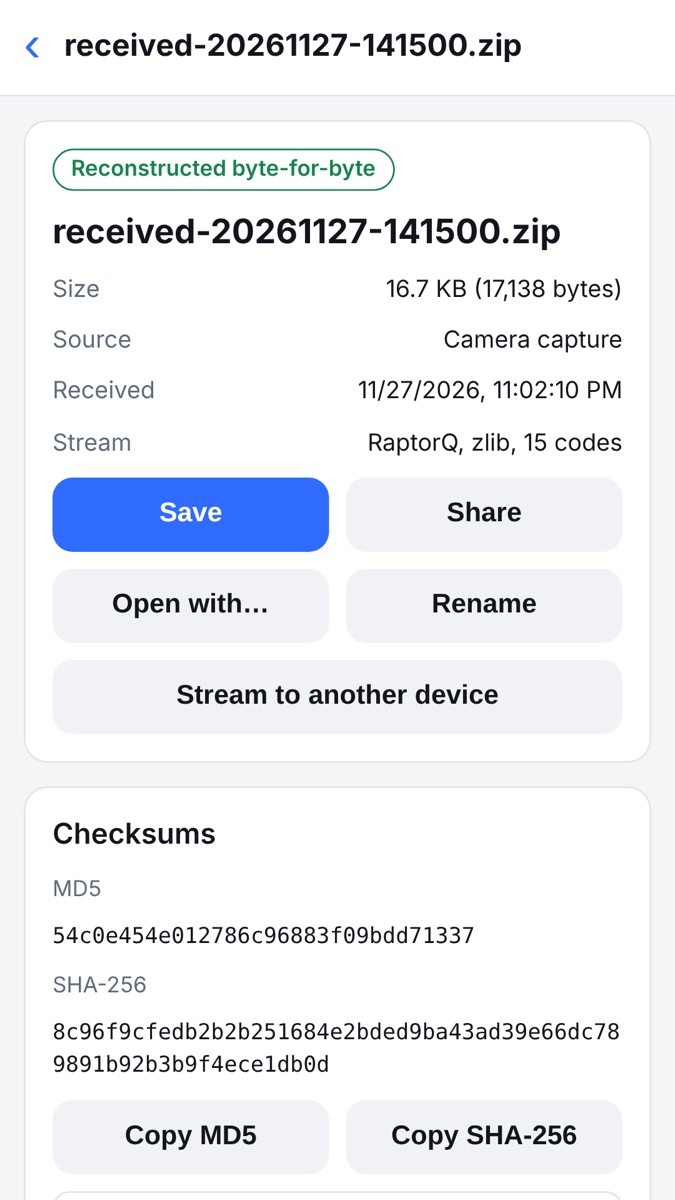
- Check every file with MD5 and SHA-256, or compare against an expected checksum.
- Verify and extract ZIP archives.
- Rename, save, share, preview, or open with other apps.
How it works
Phone to phone, or between a phone and a computer running qrstream.
Pick a file
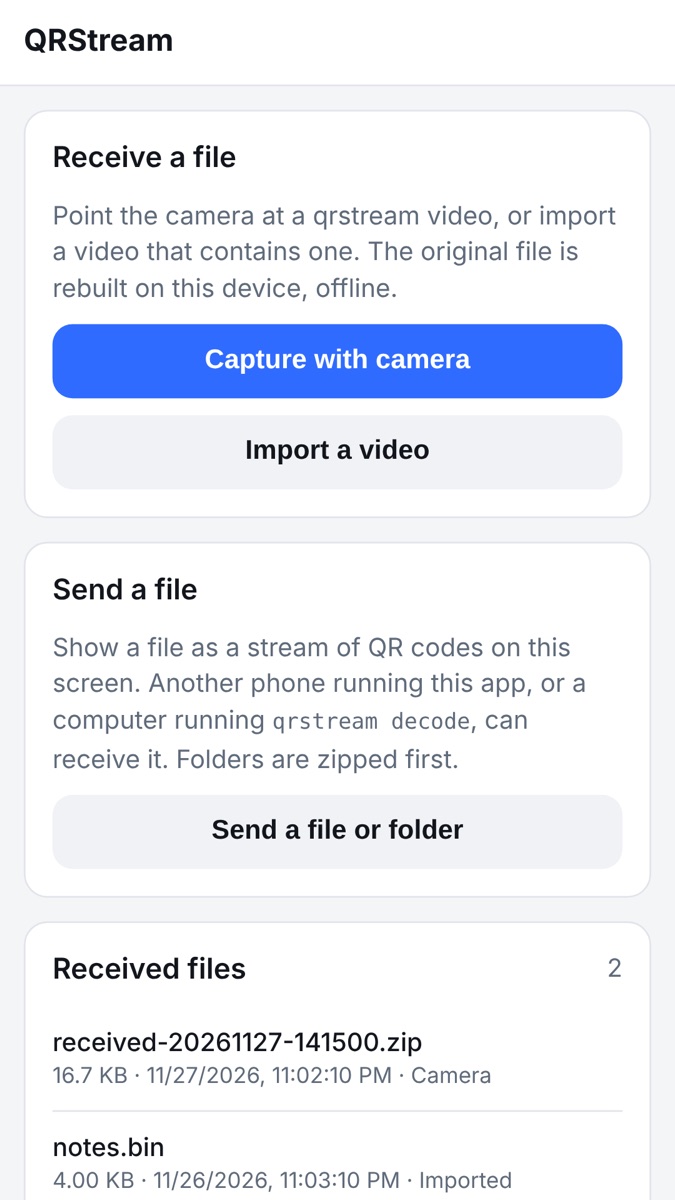
On the sending phone, tap Send a file or folder. On a computer, run qrstream encode file.zip --display.
Point the camera
On the receiving phone, tap Capture with camera and aim at the screen. Or import a recorded video.
Done
The original file is rebuilt on the device, offline, and checked against its hash.
Private by design.
QRStream has no internet permission, so Android won't let it go online. There are no accounts, ads, analytics or trackers. Your files stay on your device unless you save or share them.
Use it with a computer
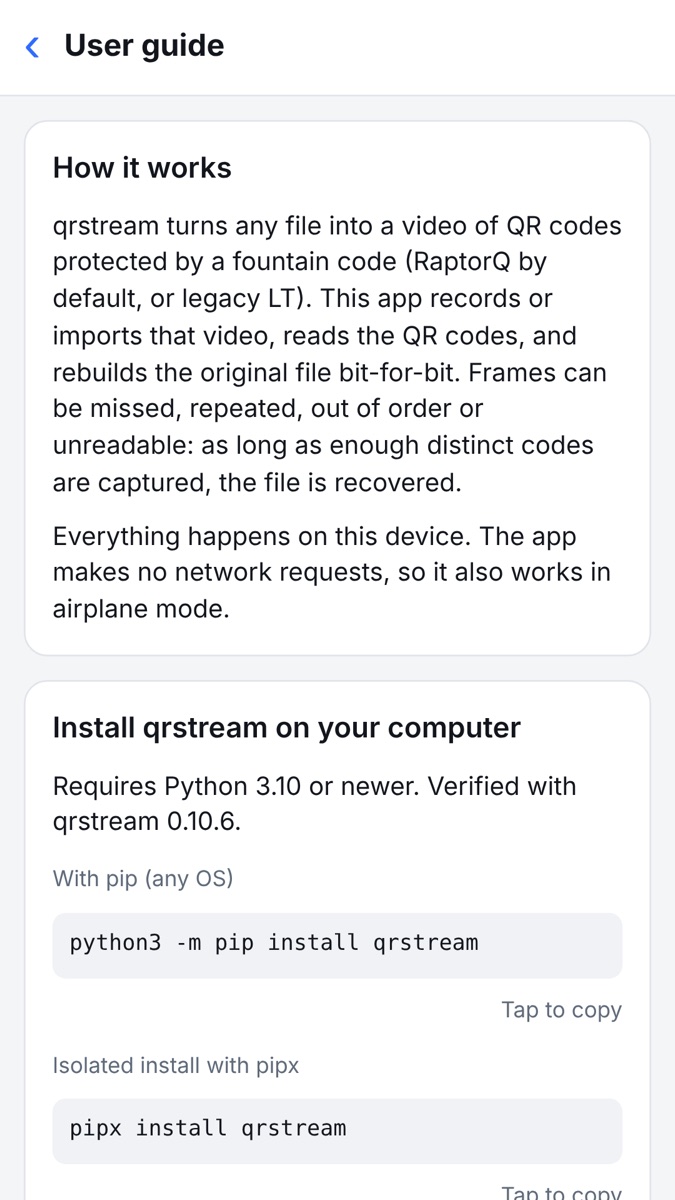
Install the open-source qrstream tool, then encode or decode in one command:
python3 -m pip install qrstream
qrstream encode project.zip --display
qrstream decode recording.mp4 -o project.zip
Works with qrstream 0.10.6 (RaptorQ and LT streams). The app's built-in guide has the full set of commands.